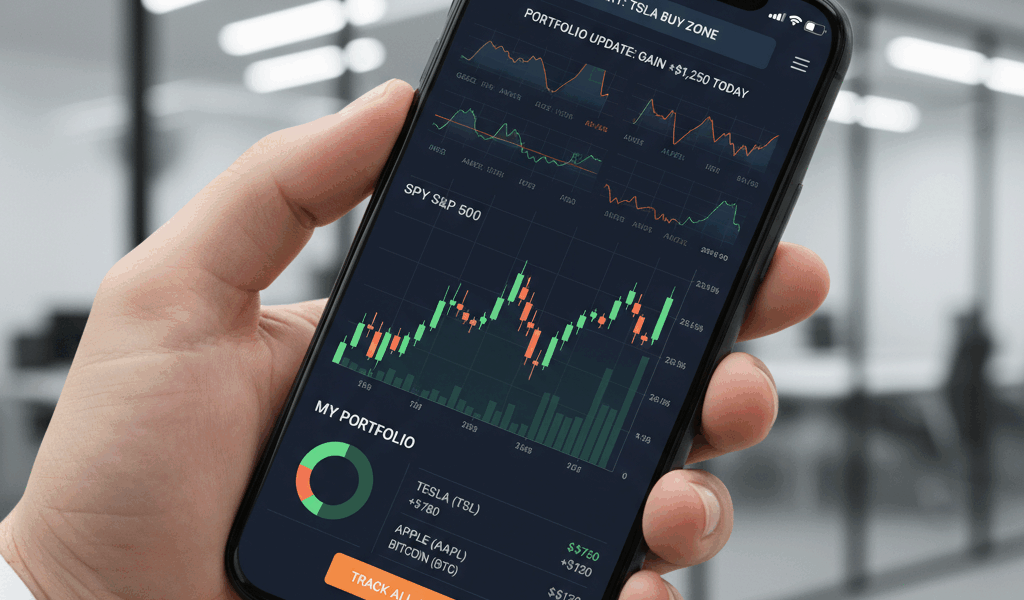
I just set up price alerts on all my core holdings, and it’s already paying off. This morning I got notified that VTI dropped below my target buy price, so I bought more shares. Without that alert, I would have missed it completely since I don’t check my portfolio daily (and you shouldn’t either—it’ll drive you crazy).
Price alerts are like having a personal assistant watching the market for you. They notify you when specific conditions are met, letting you take action without constantly monitoring prices. Let me show you how to set them up effectively.
Why Use Price Alerts?
Before diving into the how-to, here’s why alerts matter:
- Buy opportunities: Get notified when stocks hit your target buy price
- Sell discipline: Alerts can trigger review when holdings surge or drop significantly
- Rebalancing signals: Know when allocations drift from targets
- Reduces checking: No need to obsessively monitor your portfolio
- Emotional buffer: Predefined alerts remove emotion from decisions
Types of Alerts to Set
1. Price Drop Alerts (Buy Opportunities)
Set alerts below current price to catch buying opportunities. For example:
- VTI at $250: Currently $270, alert at $250 to buy more
- VXUS at $60: Currently $65, alert at $60 for international exposure
- BND at $72: Currently $75, alert at $72 to add bonds
I typically set buy alerts 5-10% below current prices. If they never trigger, no big deal. If they do, I’ve got cash ready to deploy.
2. Price Surge Alerts (Review Triggers)
Set alerts above current price to review if something’s getting overvalued:
- VTI at $300: If it jumps 11%, review if rebalancing is needed
- Individual stocks: Alert if any single position grows to more than 10% of portfolio
These aren’t necessarily sell signals—just prompts to review and potentially rebalance.
3. Percentage Change Alerts
Get notified on significant single-day moves:
- Down 5% in one day: Review if there’s company-specific news
- Up 10% in one day: Consider if position is getting too large
For index funds, I don’t set these—daily volatility doesn’t matter. But for individual stocks (if you hold them), they’re useful.
Setting Alerts at Fidelity
- Log into Fidelity.com
- Go to “News & Research” → “Alerts”
- Click “Create Alert”
- Select alert type (Price, % Change, Volume, etc.)
- Enter symbol and trigger conditions
- Choose notification method (email, SMS, or both)
- Set expiration date (I use 90 days and renew as needed)
Fidelity lets you set multiple conditions per alert. Example: “Notify me if VTI drops below $250 OR falls more than 3% in one day.”
Setting Alerts at Vanguard
Vanguard’s alert system is more basic but functional:
- Navigate to “My Accounts” → “Account maintenance”
- Select “Alerts and notifications”
- Choose “Price alerts”
- Enter fund ticker and target price
- Select email or text notification
Limitation: Vanguard only does simple price alerts, not percentage or multi-condition alerts.
Setting Alerts at Schwab
- Log into Schwab.com
- Click “Service” → “Alerts”
- Select “Create Alert”
- Choose alert type and symbol
- Set trigger conditions
- Select notification preferences
Schwab’s strength is mobile app integration—their app alerts are fast and reliable.
Third-Party Alert Tools
If your brokerage alerts are limited, consider these free tools:
Yahoo Finance
- Add stocks to watchlist
- Set price alerts directly in the app
- Free, works with any brokerage
- Mobile notifications are fast
Google Finance
- Set alerts in Google Finance mobile app
- Clean interface, simple setup
- Integrates with Google notifications
TradingView
- More advanced charting and alerts
- Free tier includes basic alerts
- Good for technical analysis enthusiasts
My Alert Strategy
Here’s exactly what I have set up:
Core Index Funds
- VTI (Total Market): Alert at $250 (7% below current), $300 (11% above)
- VXUS (International): Alert at $60 (8% below current)
- BND (Bonds): Alert at $72 (4% below current)
Sector Positions
- VGT (Tech): Alert if it exceeds 15% of my portfolio value
- VNQ (Real Estate): Alert at $85 (buy signal)
Cash Deployment
- S&P 500: Alert if down 10% from recent high (deploy extra cash)
What to Do When Alerts Trigger
Having alerts is useless if you don’t have a plan. When mine trigger:
Buy Signal Alert
- Check if I have available cash in settlement fund
- Review why price dropped (market-wide or company-specific?)
- If market-wide dip: buy as planned
- If company-specific issue: research before buying
- Execute purchase and reset alert for next level down
Review Signal Alert
- Pull current portfolio allocation
- Compare to target allocation
- If more than 5% off target: rebalance
- If within range: note it and continue monitoring
Common Mistakes to Avoid
- Setting too many alerts: You’ll get alert fatigue and ignore them all
- Alerts without action plans: Know what you’ll do when each alert triggers
- Setting alerts too close to current price: You’ll get constant notifications
- Ignoring expired alerts: Most platforms auto-expire; renew important ones
- Emotional reactions: Alerts should trigger analysis, not panic buying/selling
Alert Frequency
I keep my alert count manageable:
- Core holdings (3-5 funds): 2 alerts each (buy and review levels)
- Satellite positions: 1 alert each
- Portfolio-level: 1 alert for significant market drops
- Total: 10-15 active alerts
More than 20 alerts and you’re probably over-monitoring.
Mobile App Notifications
Most brokerages have mobile apps with push notifications. I highly recommend enabling them:
- Faster than email: Instant notification of price hits
- Actionable: Can trade directly from phone if needed
- Convenient: Don’t need to check email constantly
Just make sure to configure Do Not Disturb settings so you’re not getting alerts at 2 AM about international markets.
The Bottom Line
Price notifications let me watch the market without watching the market. I’ve set my buy levels, sell levels, and review triggers. When alerts hit, I know exactly what to evaluate. The rest of the time, I ignore my portfolio and live my life.
Set up your alerts this weekend, and you’ll wonder how you ever managed your portfolio without them.




Stay in the loop
Get the latest wildlife research and conservation news delivered to your inbox.